

The guest platform for hotels
The guest is in the room.The city is on their screen.
A guest scans the room QR and sees your hotel's services and the city businesses you partner with, in their own language. Room service, transfers, the bakery, the spa: one screen for the guest, every order in your panel.
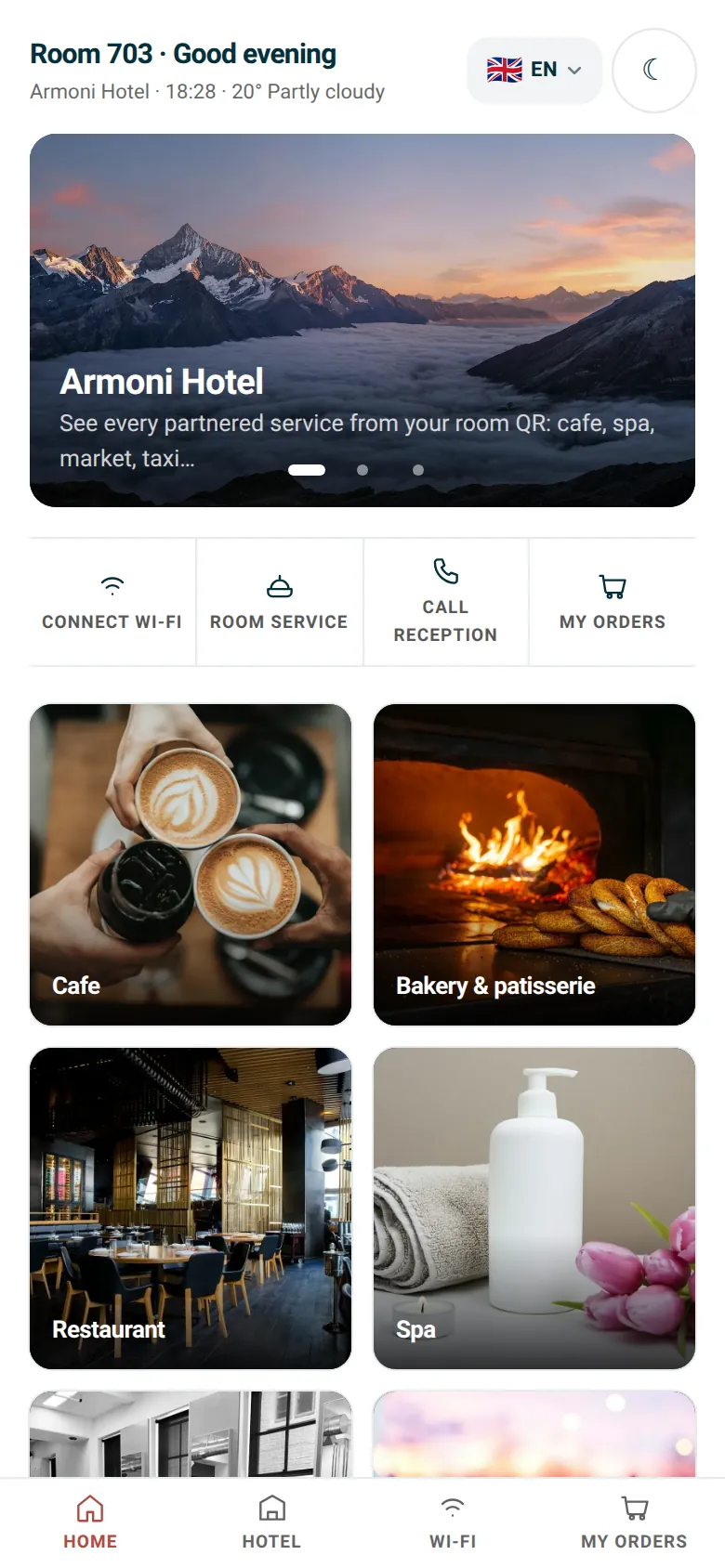
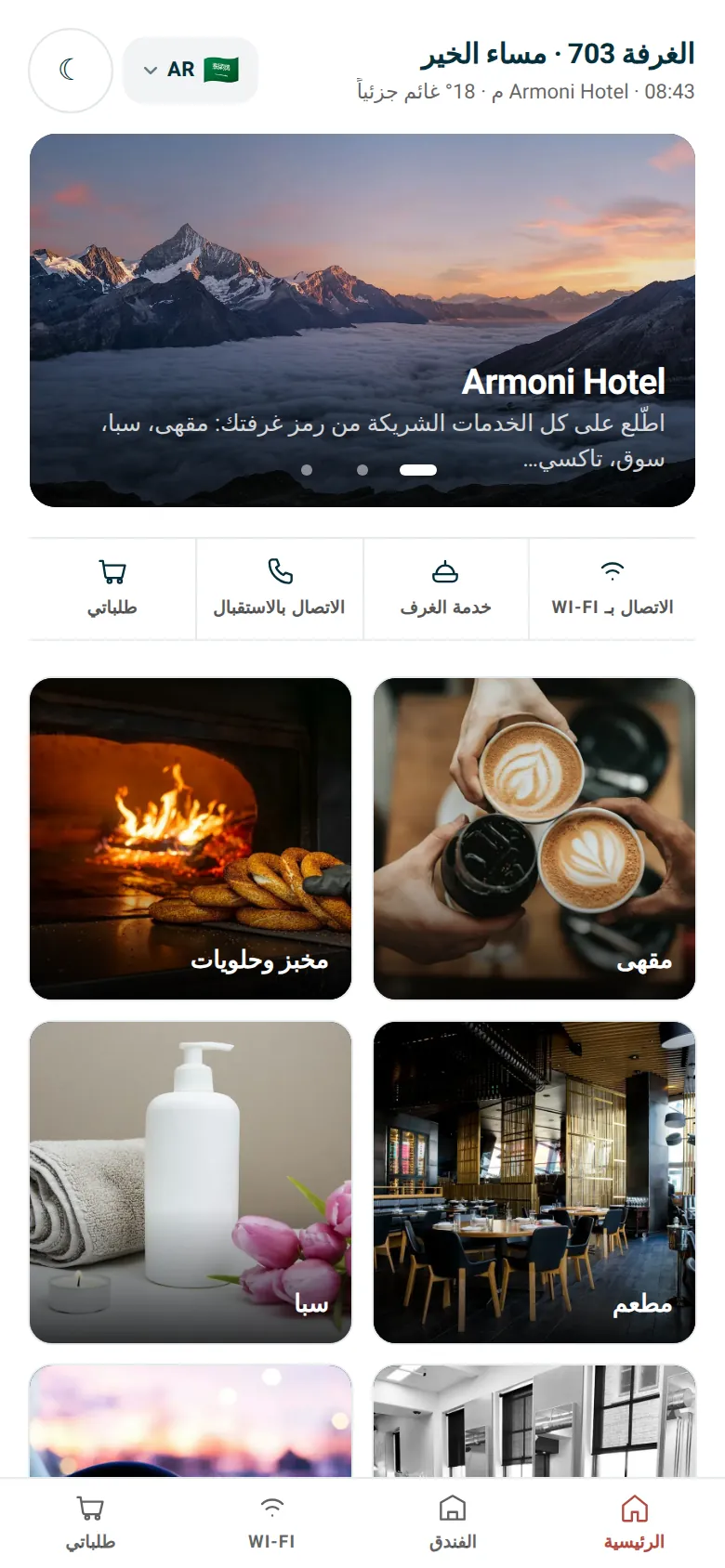
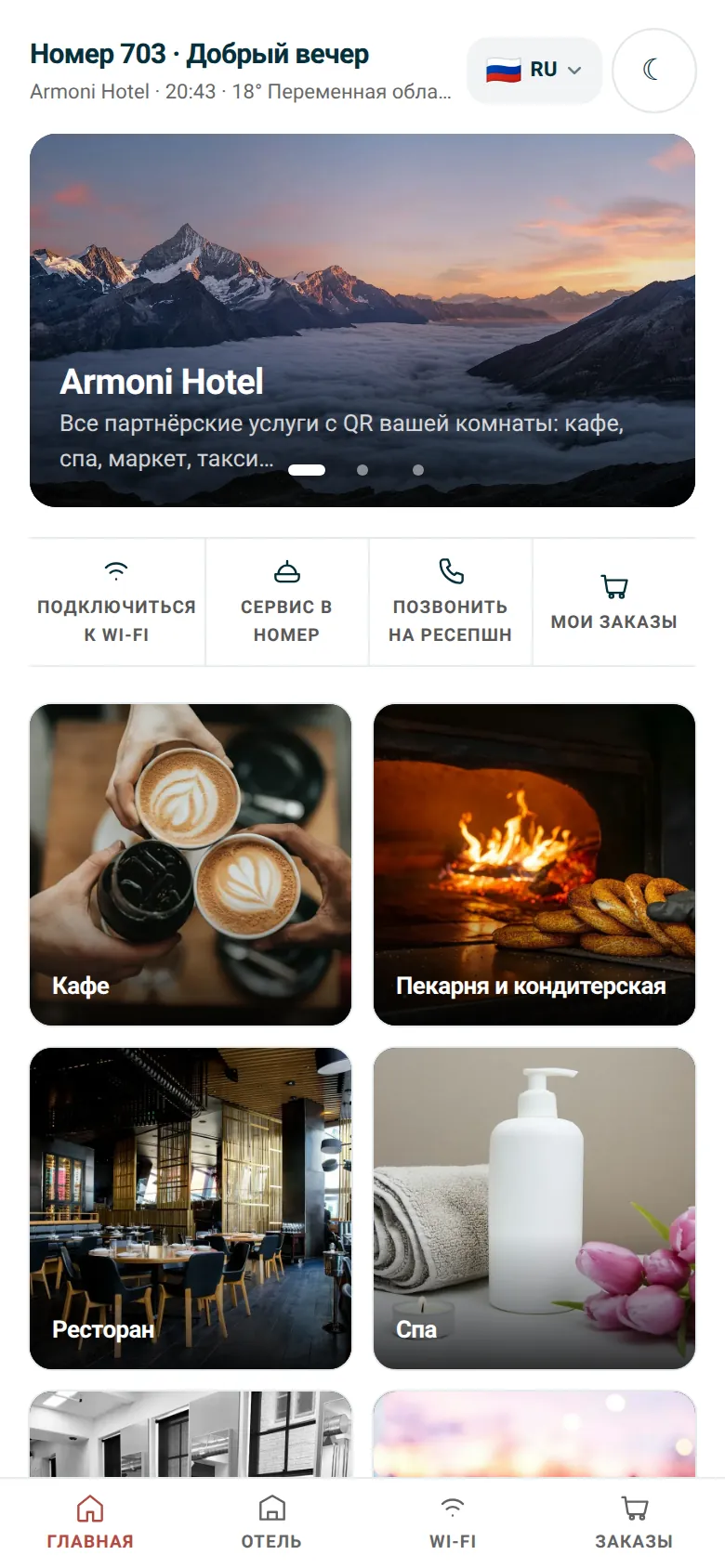
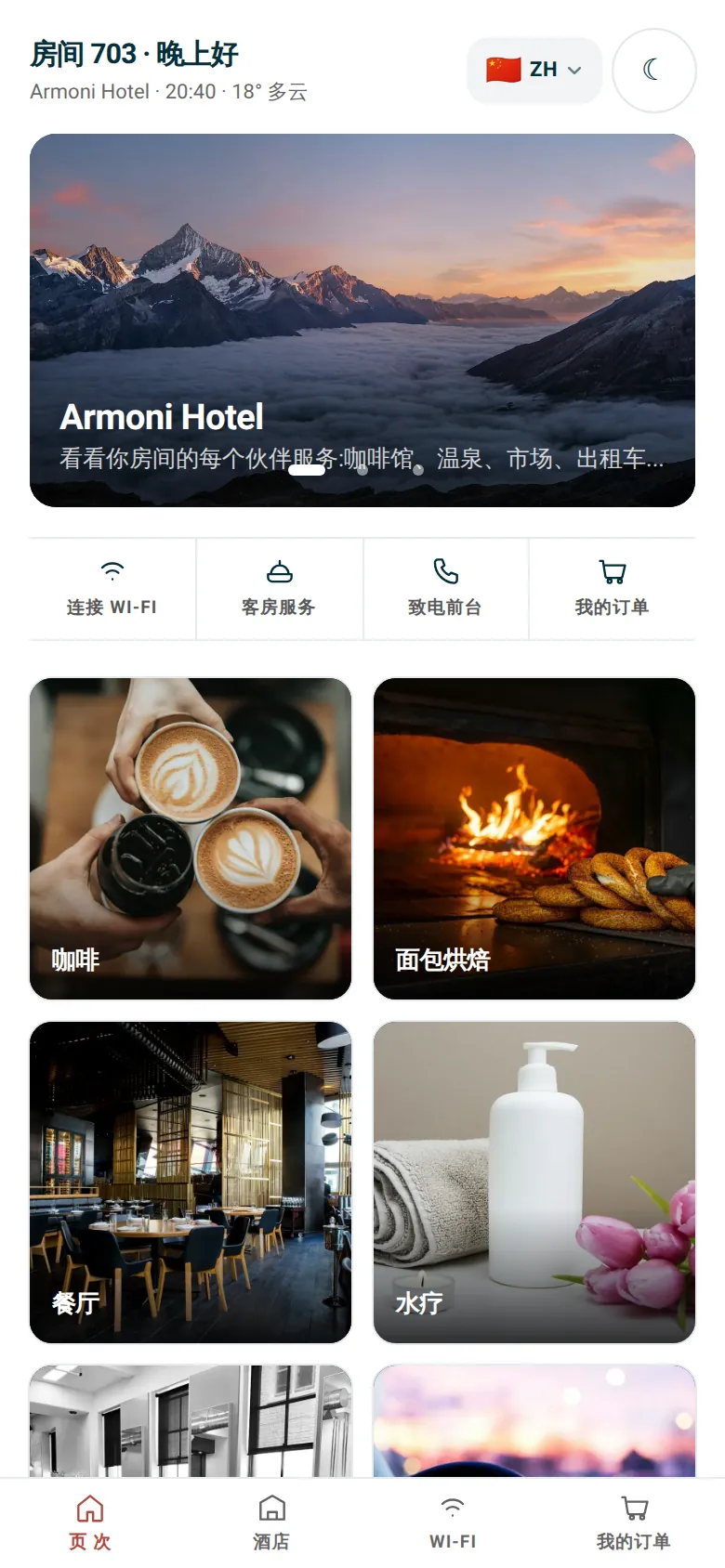
Real screen · Armoni Hotel demo, room 703
- 15 languages, Arabic and Hebrew right to left
- No app to download
- No guest sign-up required
- Pay on delivery, no stored cards
How it works
Printed once. Working every day.
The QR belongs to the hotel. Partners can change; the sticker in the room stays put.
 01
01

703
A QR in every room
Generate a separate QR for each room, the lobby or the pool bar. Download it from the panel and print.
- 02
The guest scans
The phone camera is enough. The screen opens in the phone's language with the room number already filled in.
- 03
An order or a request
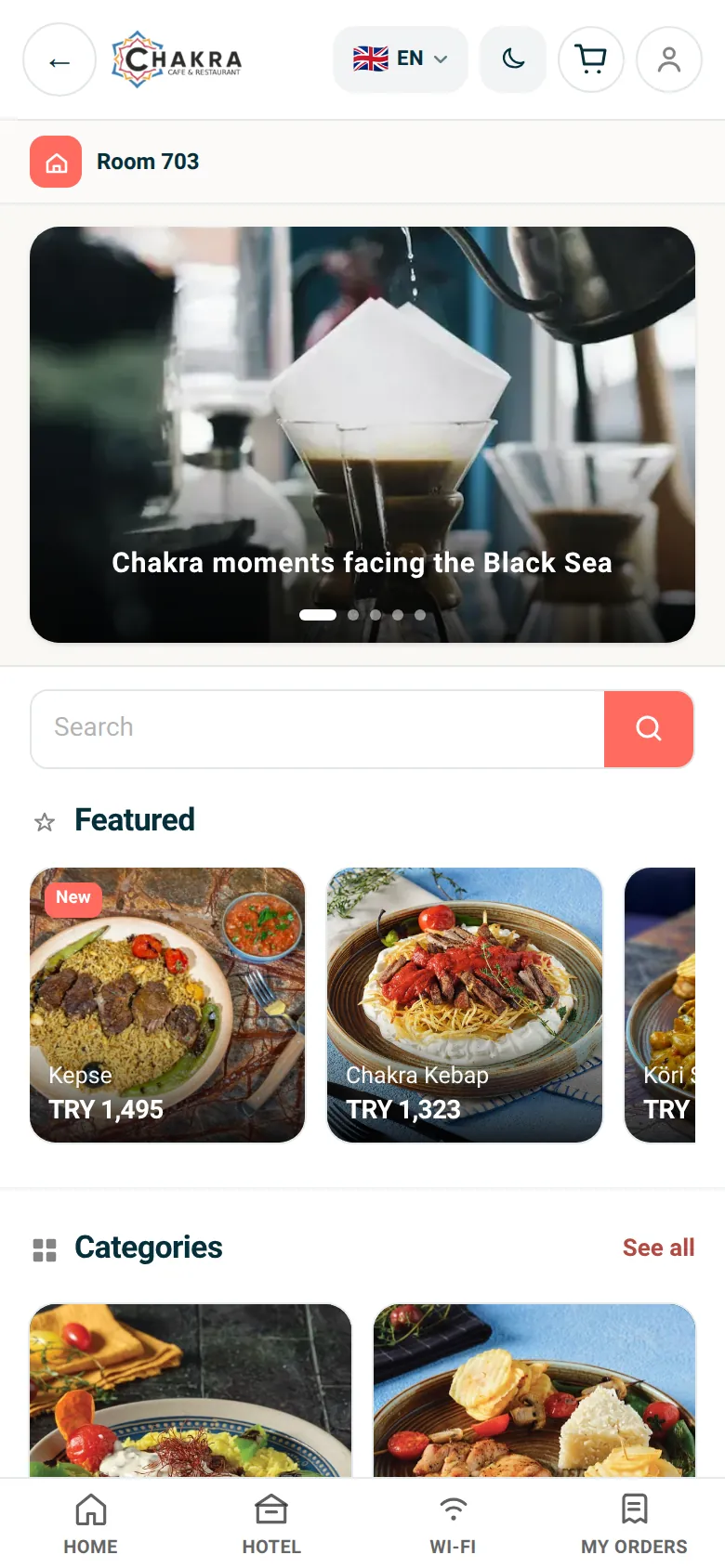
A club sandwich, fresh towels, an airport transfer, warm simit. The guest picks and confirms.
- 04
It lands in the panel
The order reaches the hotel's and the business's panel instantly. The guest follows it under My orders.

Guest experience
Everything guests ask the front desk, on their phone.
Every screen in this section is taken as is from the Armoni Hotel demo.
01
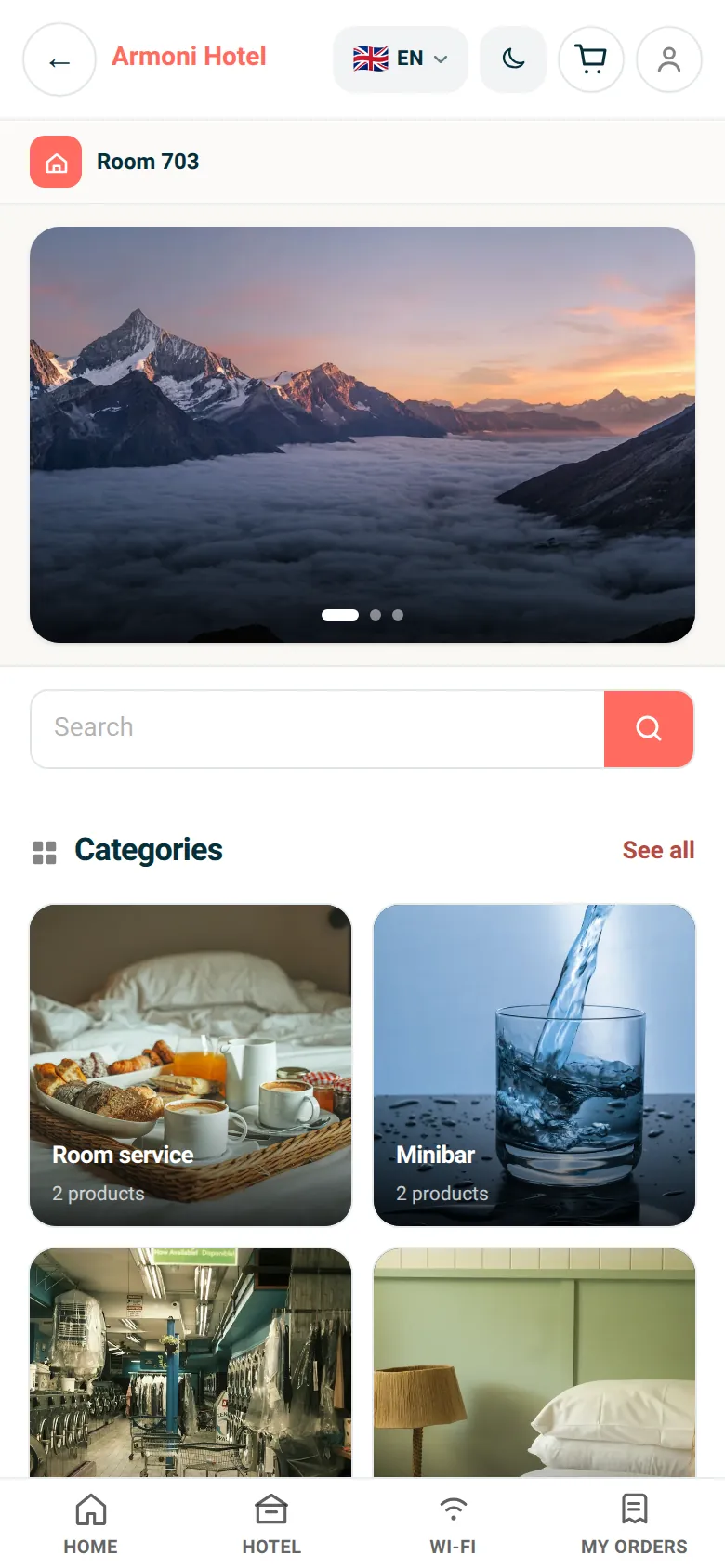
Room service and hotel services
Menu, minibar, laundry, add-ons. Set a different price per room or room type.
02
The city's businesses
Menus from the cafes, restaurants and patisseries you partner with, with photos and prices.
03
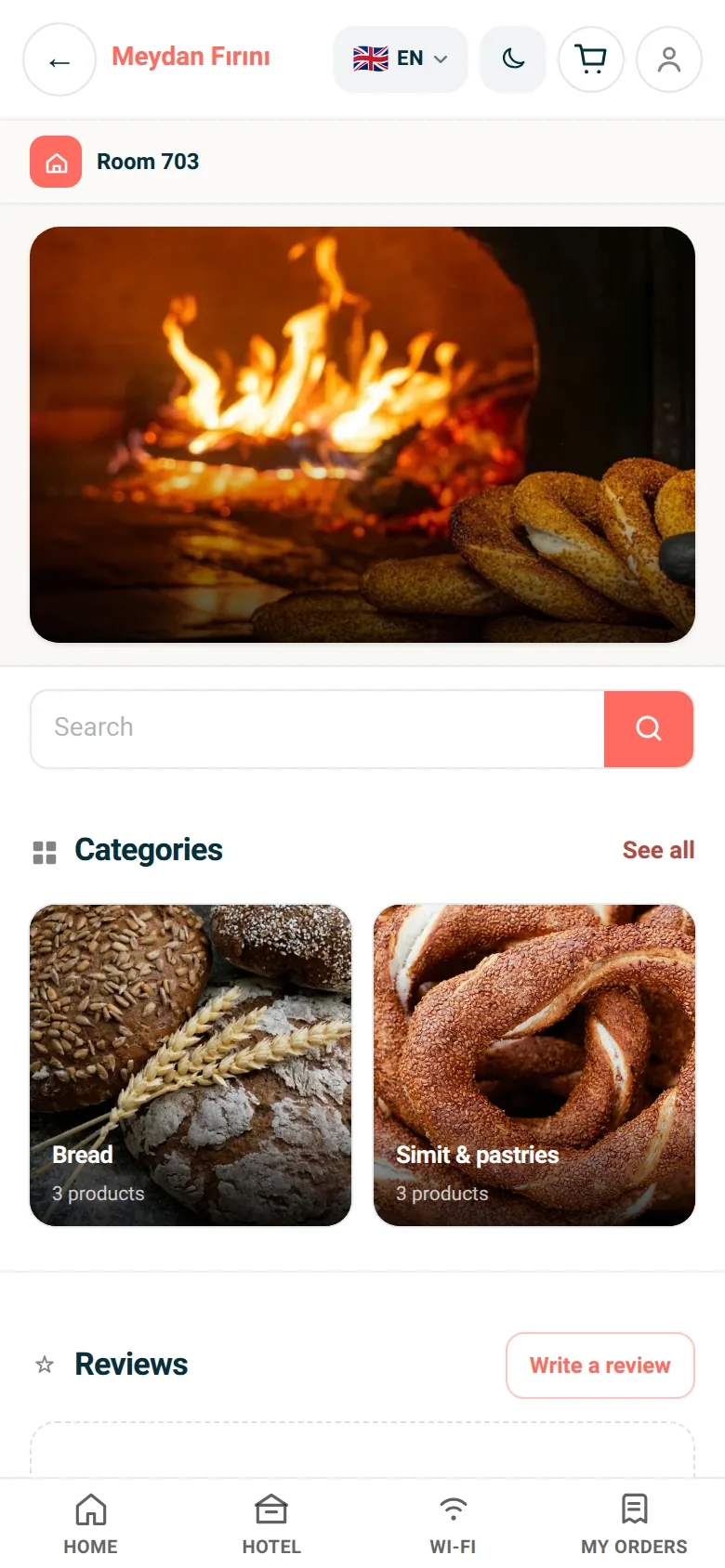
Bakery and patisserie
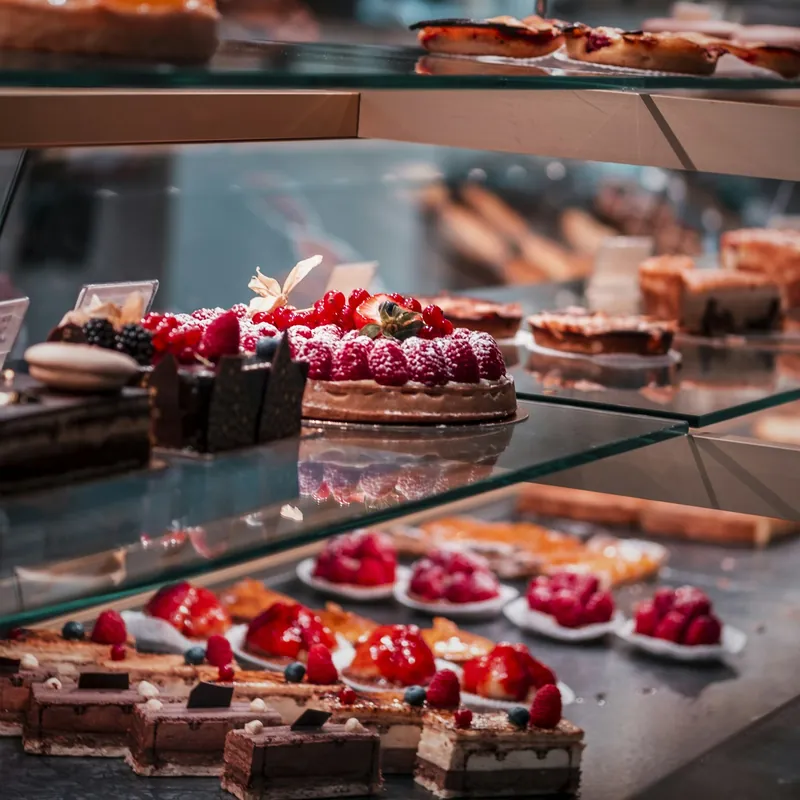
Morning simit, country bread, cakes. The neighbourhood bakery on the hotel's menu.
04
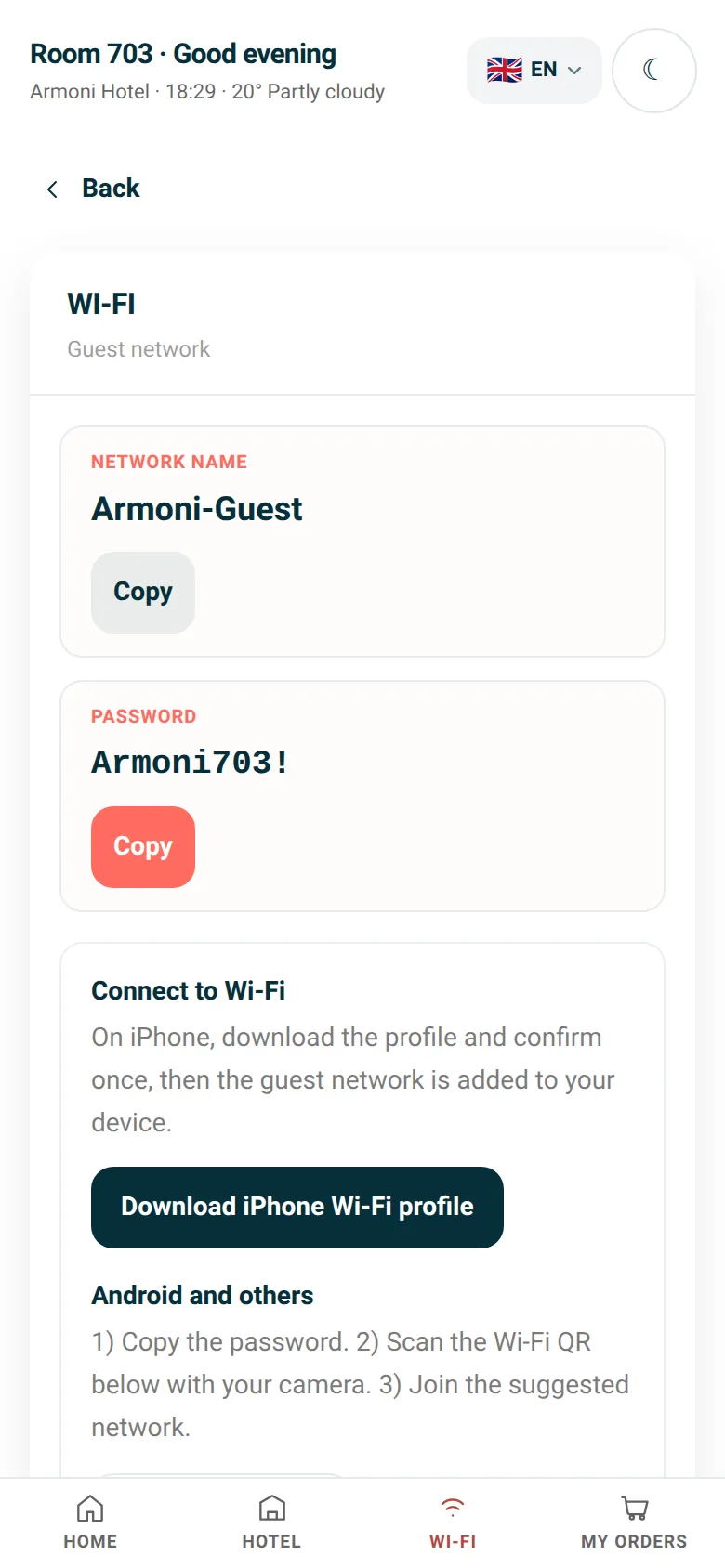
Wi-Fi in one tap
Copy the network name and password. A profile for iPhone and a QR for Android are ready.
05
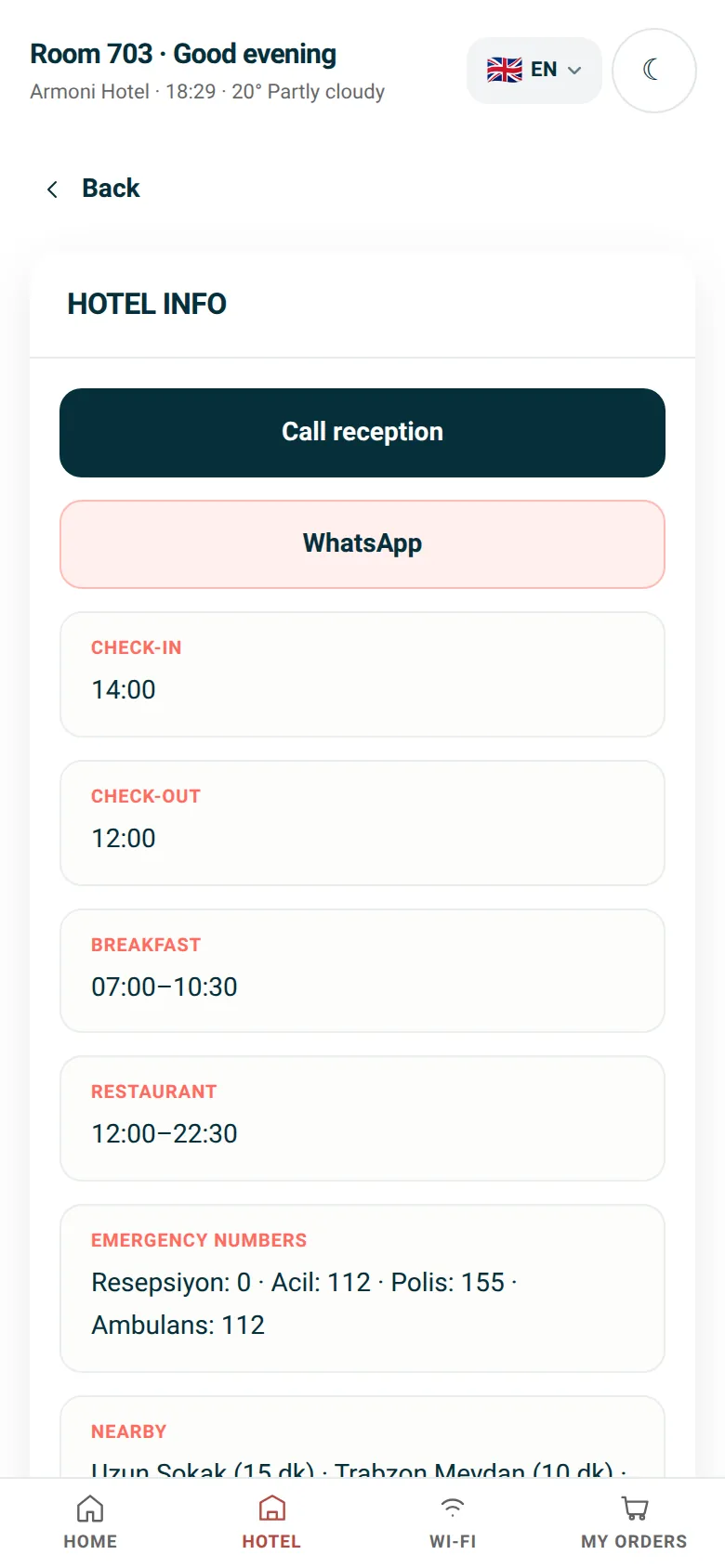
Hotel information
Check-in and check-out, breakfast, emergency numbers, places nearby. Call the front desk or message on WhatsApp in one tap.
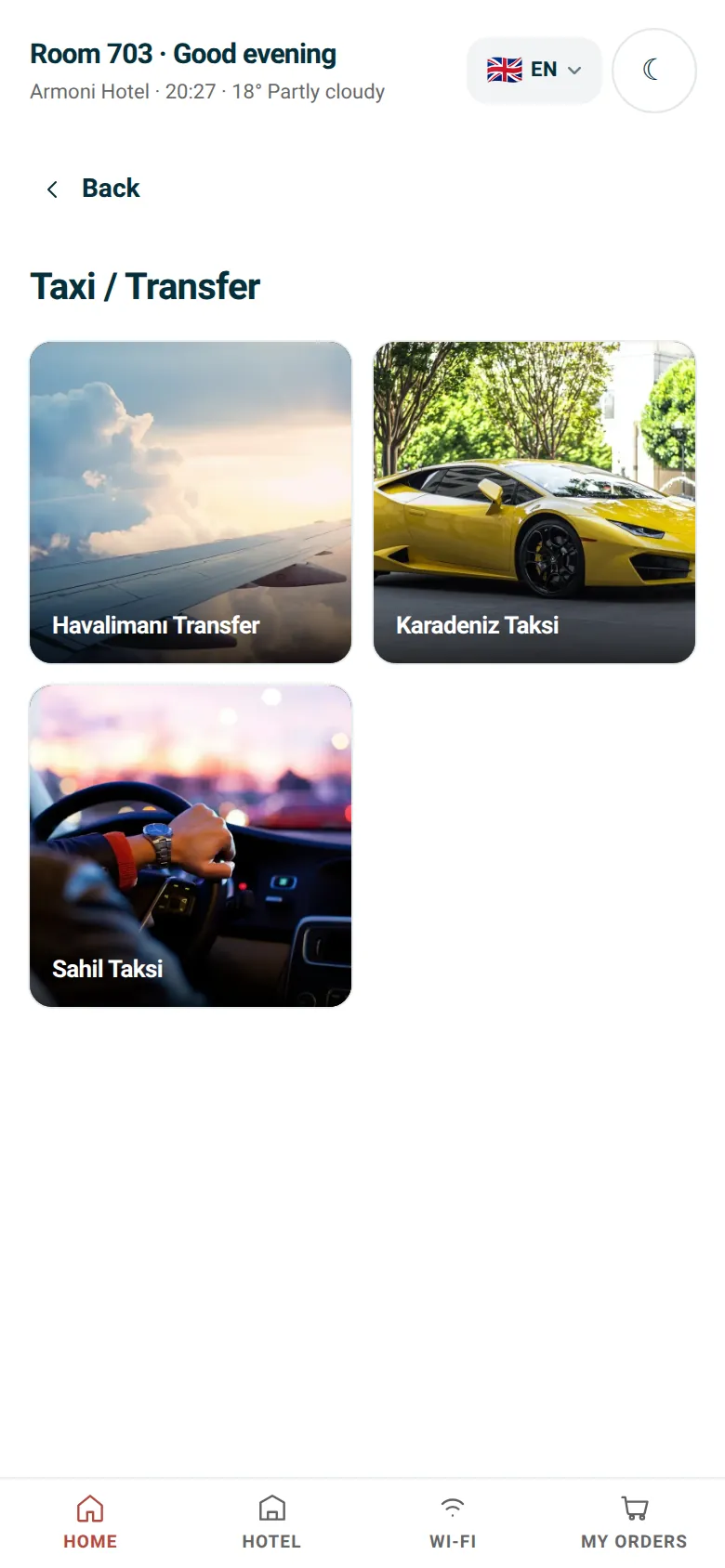
06
Transfers, taxis, car rental
Request an airport transfer or a rental car with date and time from the same screen.
07
Chat with the front desk
No order needed: the guest writes from the room and reception replies from the panel.
A day in a guest's stay
From check-in to check-out, one QR.
A guest in room 703 does all of this without calling the front desk once.
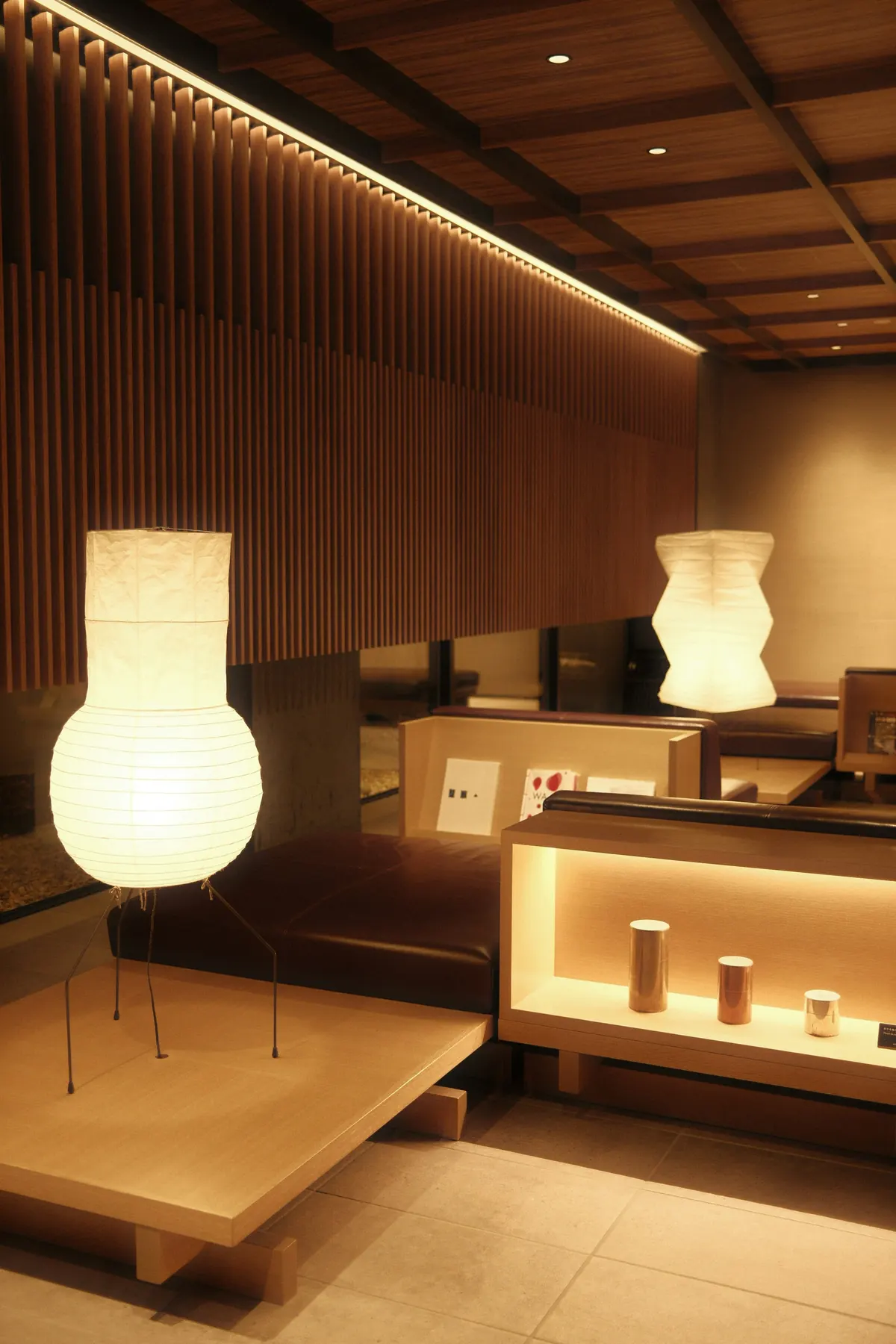
 19:40
19:40Arrival
They scan the QR by the door and copy the Wi-Fi password in one tap.
 21:15
21:15Late dinner
The restaurant is closed. A club sandwich and the soup of the day come from room service.
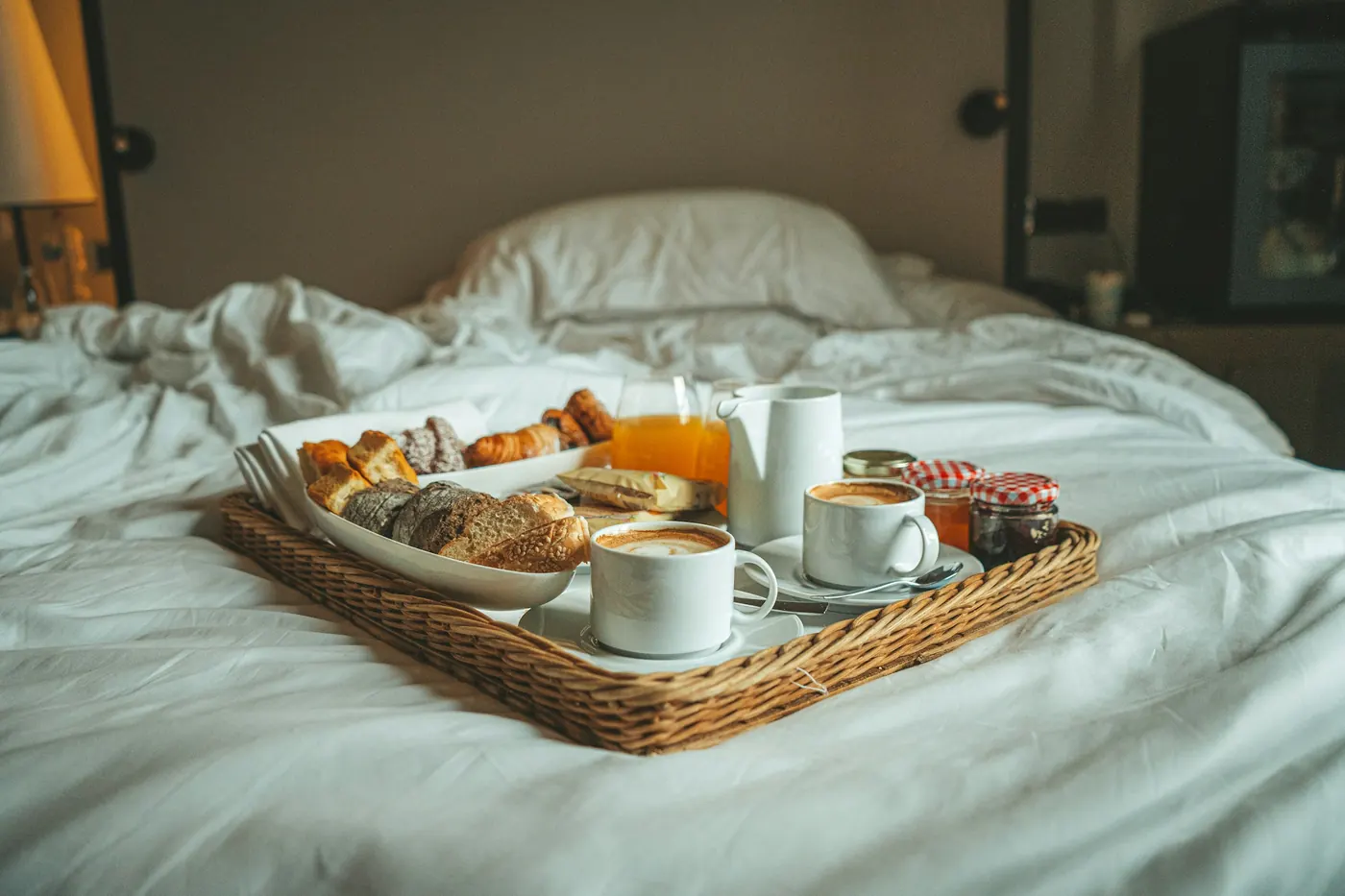
 08:05
08:05Warm simit
Simit and börek from the neighbourhood bakery, at the door before breakfast.
 10:30
10:30Day trip
A guided tour or a rental car, booked with time and party size from the same screen.
 12:00
12:00Airport transfer
Before check-out, a transfer is set for the flight time, paid on delivery.
15 languages
Whatever language the guest speaks, the screen speaks it too.
The phone's language is detected. Menus, hotel services and order updates arrive translated. Arabic and Hebrew read right to left.
Tap a language to open this page in it.
For hotels
Extra revenue and a calmer front desk.
Everything guests used to order from outside now runs through your network.
- 01
Commission from partner businesses
For each partnership you agree on the commission rate, delivery time and hours. Orders and commission appear in reports you can download as CSV or PDF.
- 02
Requests in the panel, a quieter phone
Towel, housekeeping, minibar and wake-up requests reach the reception screen with the room number.
- 03
Print the QR once
Enter a room range and a QR is generated for every room. Partners or menus may change; the sticker stays the same.
- 04
Every team on its own screen
Reception, kitchen and cashier each have their own screen. Add staff from the panel.
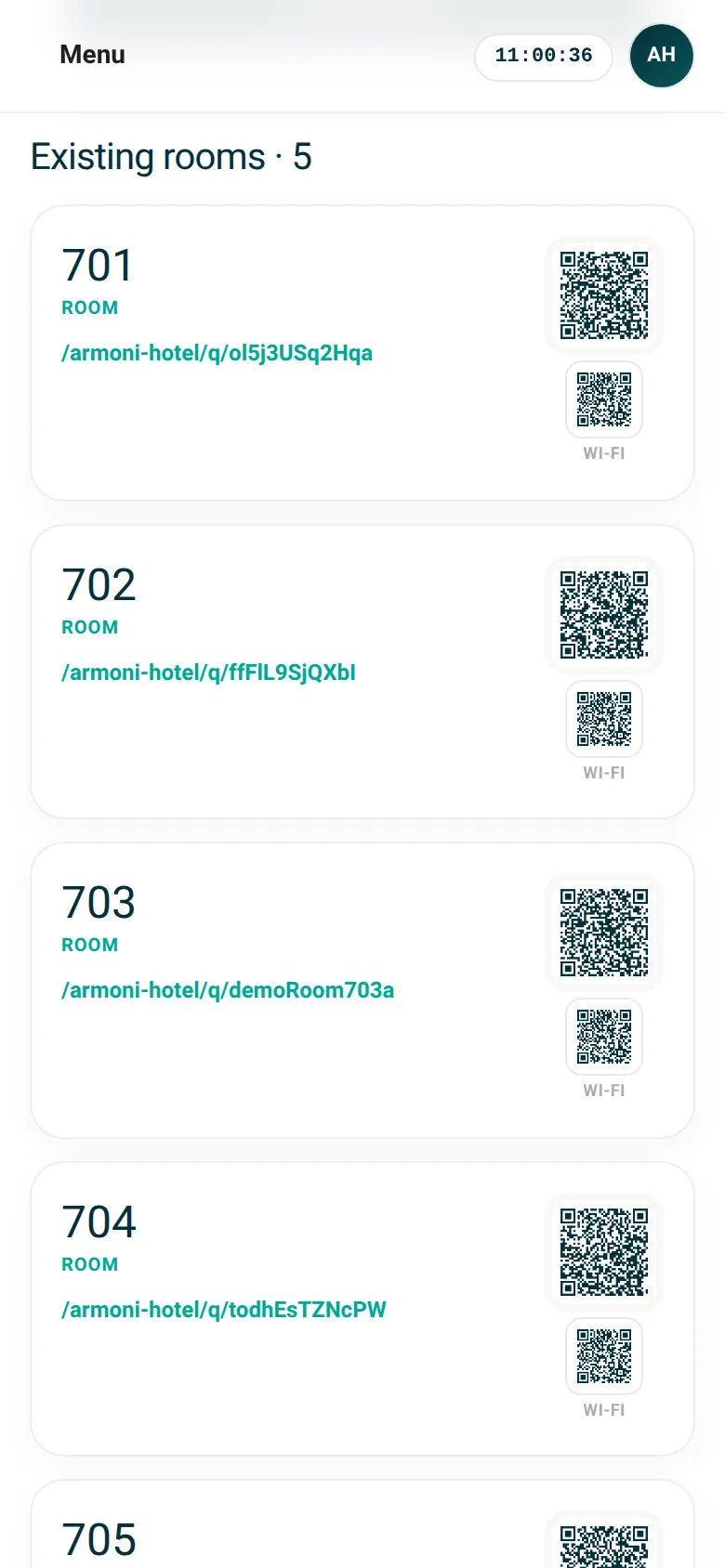
Rooms: an automatic QR for each room
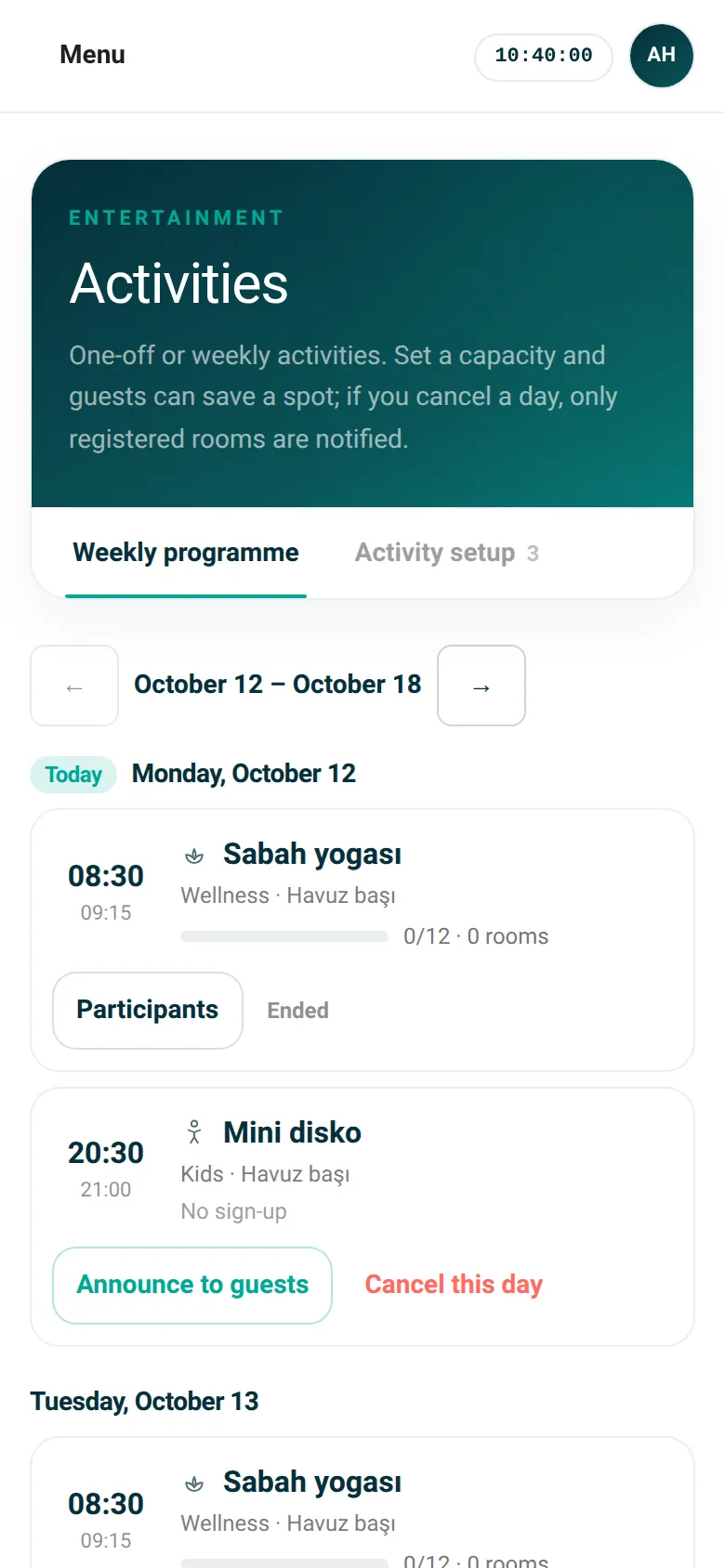
Events: weekly programme and capacity
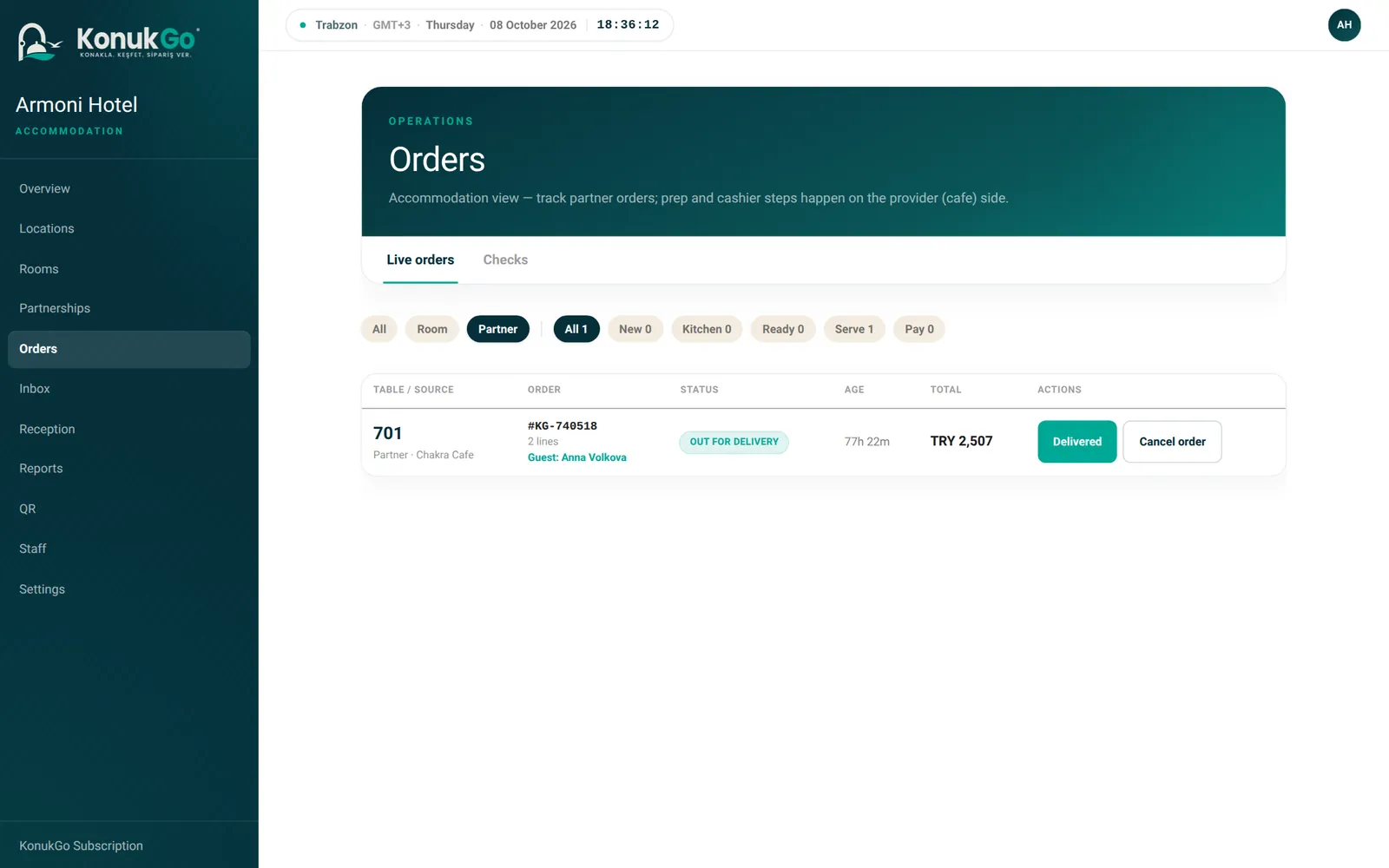
Orders: live flow
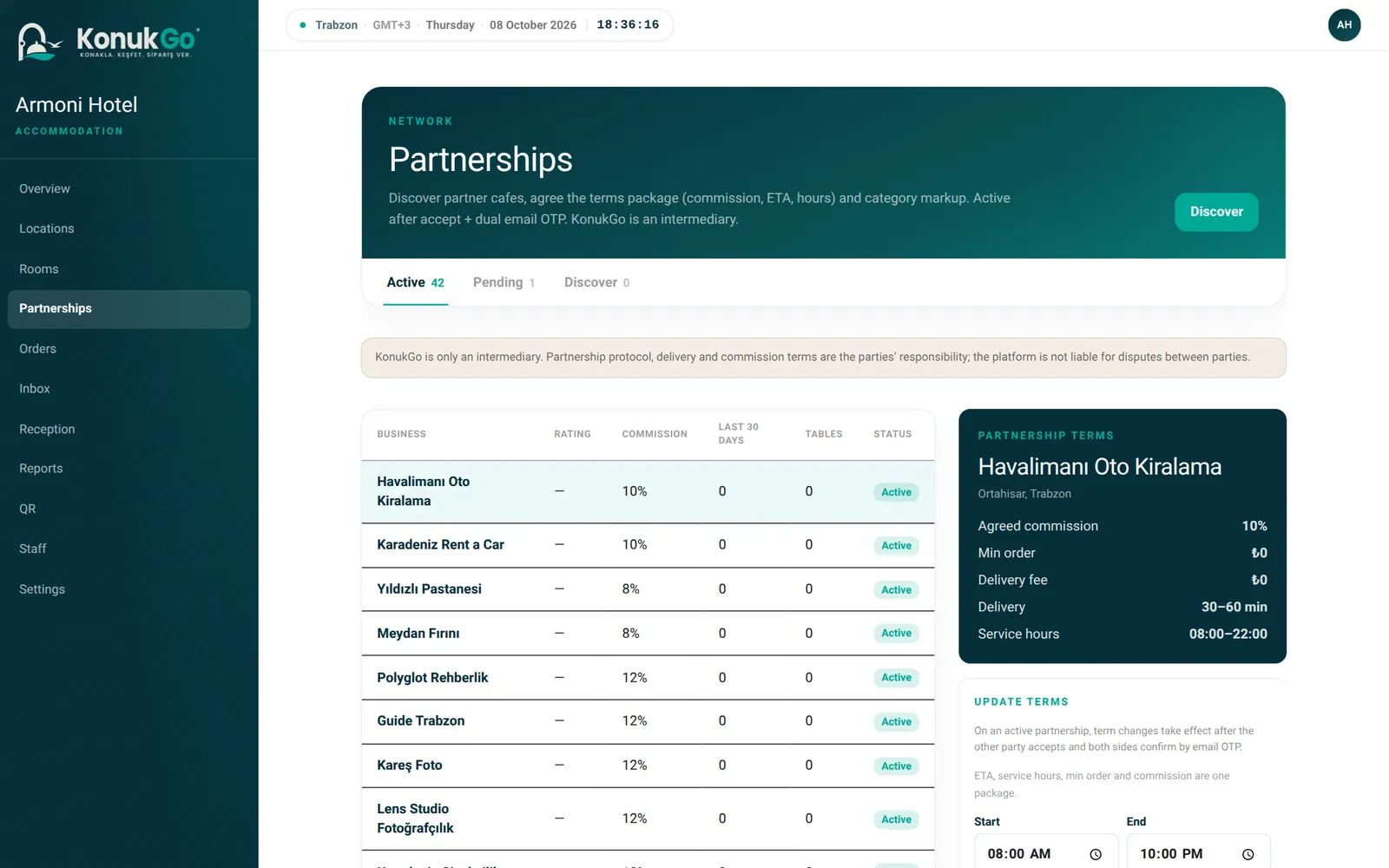
Partnerships: commission and delivery terms
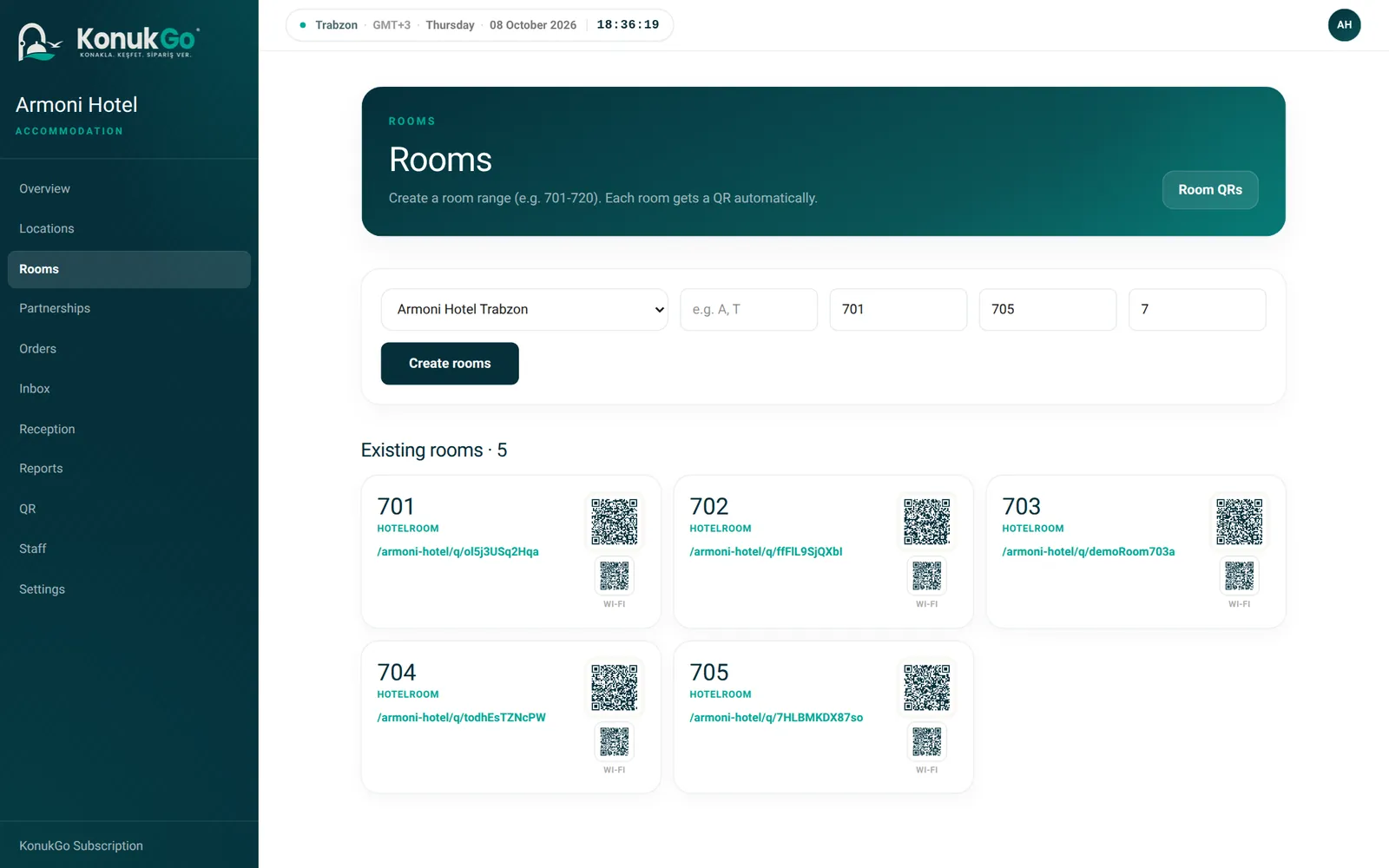
Rooms: an automatic QR for each room
KonukGo on the phone
No store, no download. One tap on the home screen.
KonukGo is a web app that runs in the phone's browser. It opens when a guest scans the QR; if they like, they add it to the home screen and use it full screen like an app. Staff add the panel to their own phones too.
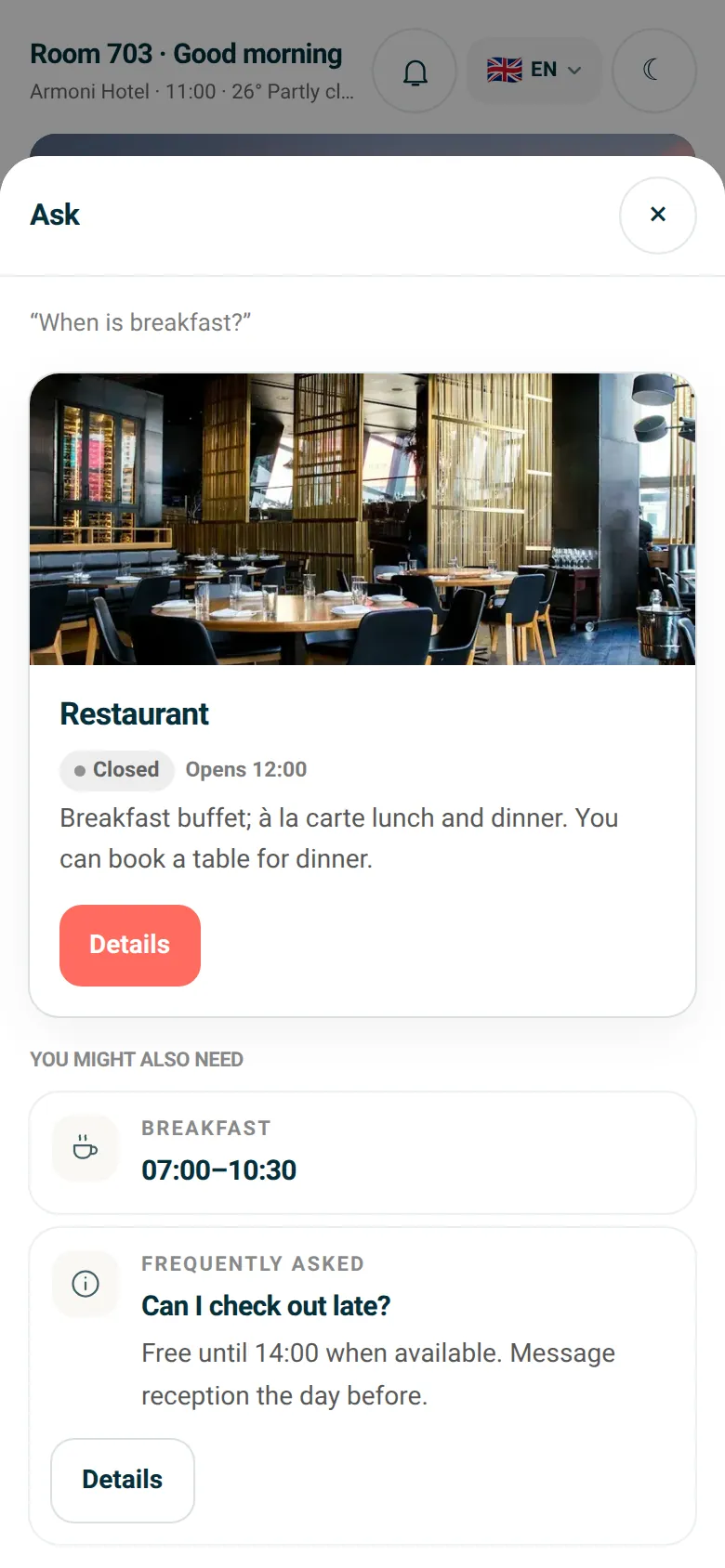
On the guest's phoneGuest · Ask
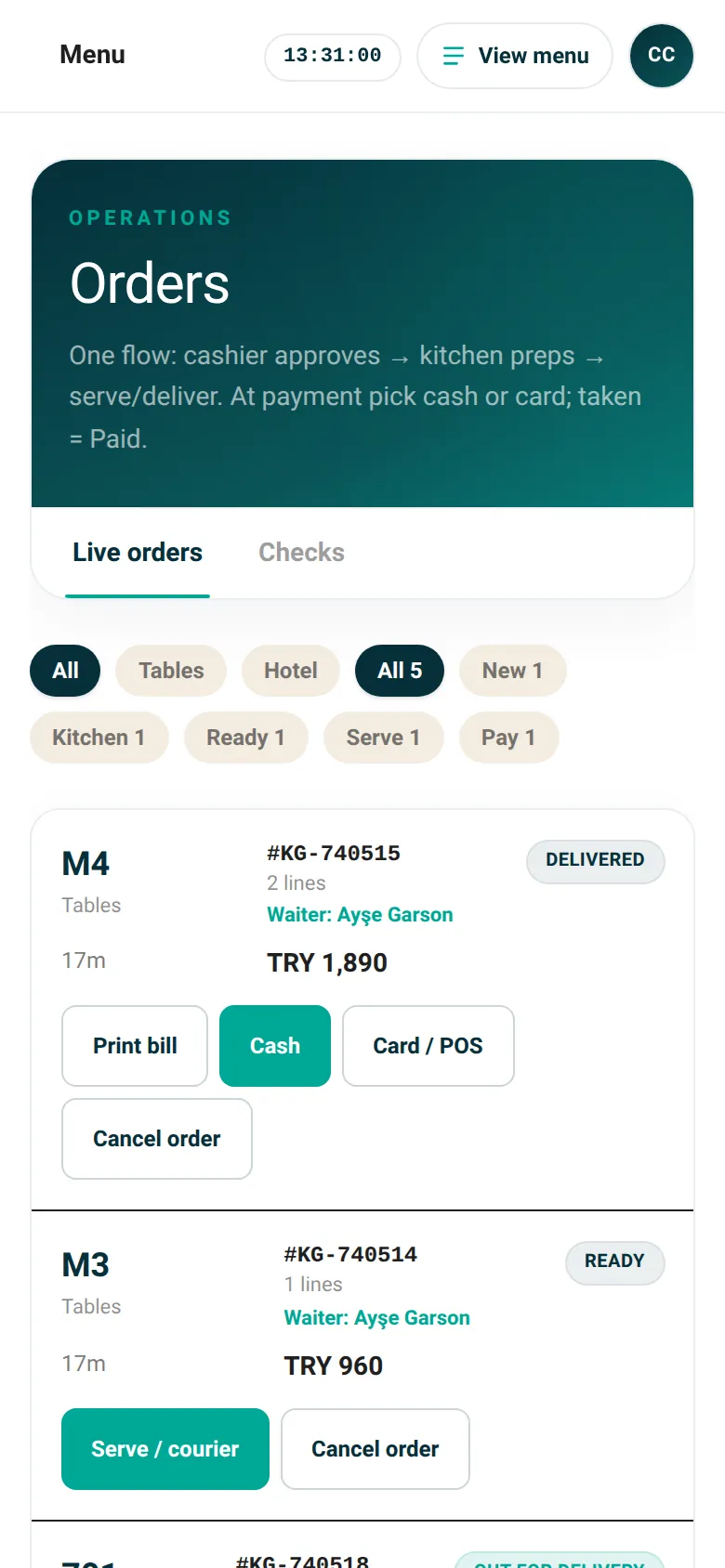
In the staff's pocketCafe · Orders
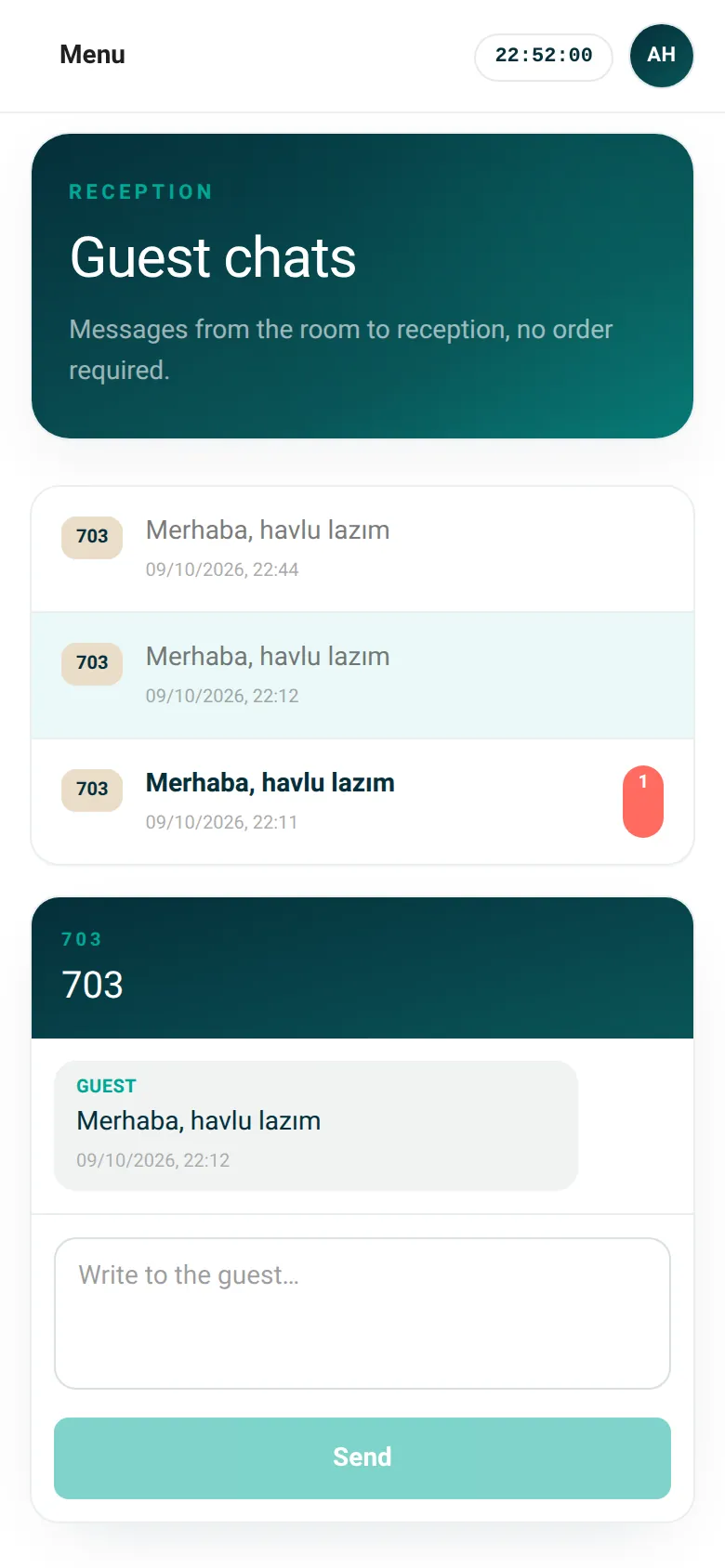
In the staff's pocketReception · Chat
On the guest's phone
- Scanning the QR opens the screen: no account, password or download.
- Ask: questions like “When is breakfast?” answered at once from the hotel guide.
- Added to the home screen, the room screen opens in one tap; request, booking and announcement notifications arrive.
In the staff's pocket
- Orders, kitchen and till steps on the phone, confirmed at the table.
- Reception answers guest messages from the phone.
- New requests and bookings arrive as notifications; the panel opens from the home screen.
Adding to the home screen
iPhone · Safari
- 1Tap the Share button.
- 2Choose “Add to Home Screen”.
- 3The KonukGo icon is on the home screen and opens full screen.
Android · Chrome
- 1Open the ⋮ menu at the top right.
- 2Tap “Install app” or “Add to home screen”.
- 3The icon is on the home screen; you can allow notifications.
On iPhone, notifications work on iOS 16.4 and later in the app added to the home screen. There is no App Store or Google Play version; updates reach everyone at once.
Business network
From the bakery to the boat tour, the whole city.
Guests see the businesses the hotel partners with. From the cafe to the pharmacy, from the barber to the tour guide.

Cafe
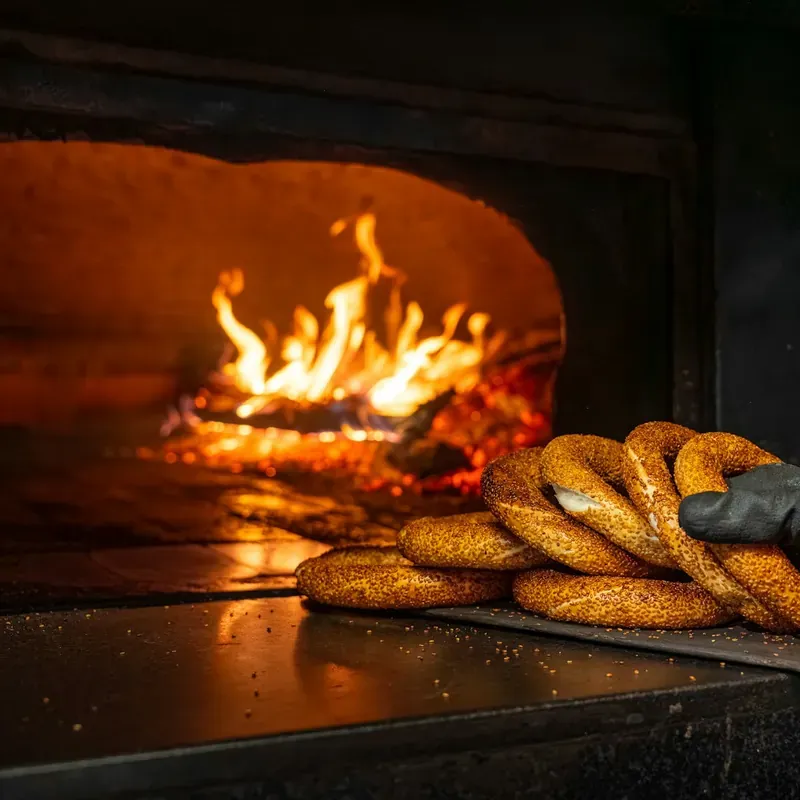
Bakery & patisserie
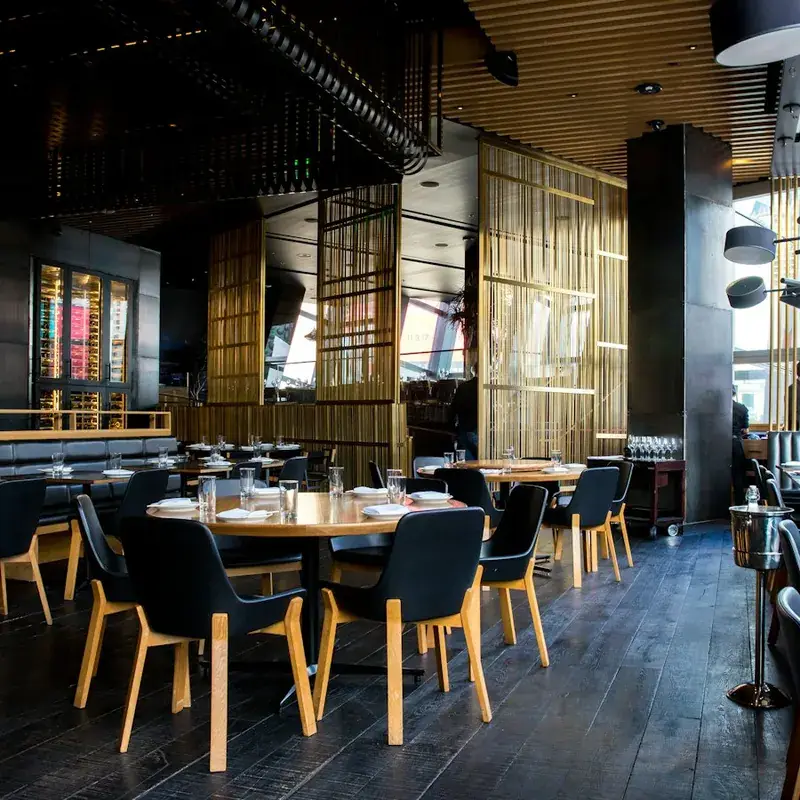
Restaurant
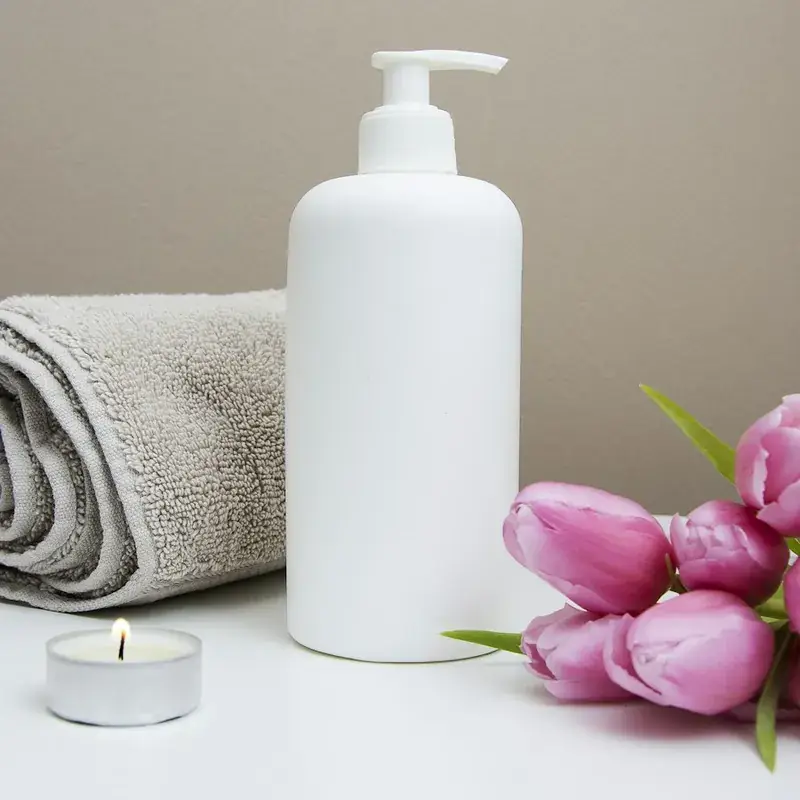
Spa

Beauty

Taxi / Transfer

Car rental

Tours

Boat tour
Market
Pharmacy
Florist
For businesses
Put your menu in front of hotel guests.
Cafe, bakery, spa or transfer company: partner with hotels and take orders in your panel. Payment on delivery, no stored cards.
- Partnership invitations with mutually approved terms
- Kitchen, cashier and live order screens
- Your menu reaches guests in 15 languages

Live demo
Armoni Hotel, room 703. The door is open.
Real demo data: menus, prices, hotel services, Wi-Fi. Scan with your phone camera or click.
Scan with your camera
Demo businesses are examples; orders do not reach a real business.
Plans
Two sides, two plans.
Prices will be announced when early access ends. Businesses that sign up now complete their setup, print their QR codes and build their partnerships.
Accommodation
Hotels, boutique hotels, guesthouses
- Room and area QR codes
- Room service and hotel services menu
- Partnerships with many businesses
- Orders, reception chat, reports
- Guest screen in 15 languages
Service provider
Cafes, restaurants, bakeries, spas, transfers
- Menu or service catalogue with photos
- Hotel partnership invitations
- Kitchen, cashier and live order screens
- Card or cash on delivery
- Commission report
Guests pay for orders in cash or by card on delivery, and for the hotel's own services at the hotel. No online payment or room-folio (PMS) integration is needed; commission is reporting only.
FAQ
Frequently asked
Who owns the QR code?
QR belongs to the accommodation service point. You don’t need new stickers when partner restaurants change.
Must guests create an account?
No. Guests can check out as guests; accounts are optional.
Does the guest need to download an app?
No. The QR scanned with the phone camera opens straight in the browser.
Which languages are supported?
Turkish, English, Arabic, Russian, Georgian, German, French, Chinese, Japanese, Polish, Dutch, Italian, Korean, Spanish and Hebrew.
Can the hotel sell its own services?
Yes. Add services such as room service, minibar and laundry with prices, and set different prices per room or room type.
Who prepares and delivers the order?
The partner business prepares and delivers it while the hotel follows it in the panel. Hotel services are handled by the hotel's own team.
Can staff use it on their phones?
Yes. The panel is built for the phone: orders, kitchen, till and reception chat all work there. Staff who add the panel to the home screen get notified of new requests and bookings.
Is food payment online?
No. Orders are paid in cash or by card on delivery; the hotel's own services can also be paid at reception or check-out. No online payment or PMS integration is needed.
Is it one restaurant per hotel?
No. Partnerships are many-to-many: one property can work with many providers, and one provider with many properties.

Get started
Enter your room range. The QR codes are ready.
Sign-up takes a few minutes. The demo is open right now.
Write to us about setup, pricing and partnerships. [email protected]